



Orders
Create orders, track them by date and status, and handle delivery and payment in one place.
- Create orders by hand or with OCR from a photo
- Choose the warehouse, order source and discount
- Print receipts and delivery notes, export PDF / Excel
TekShot POS brings orders, products, stock, costing, cash book, invoices, customers and debts into one app, with AI that reads orders from photos so staff do not have to type them in.
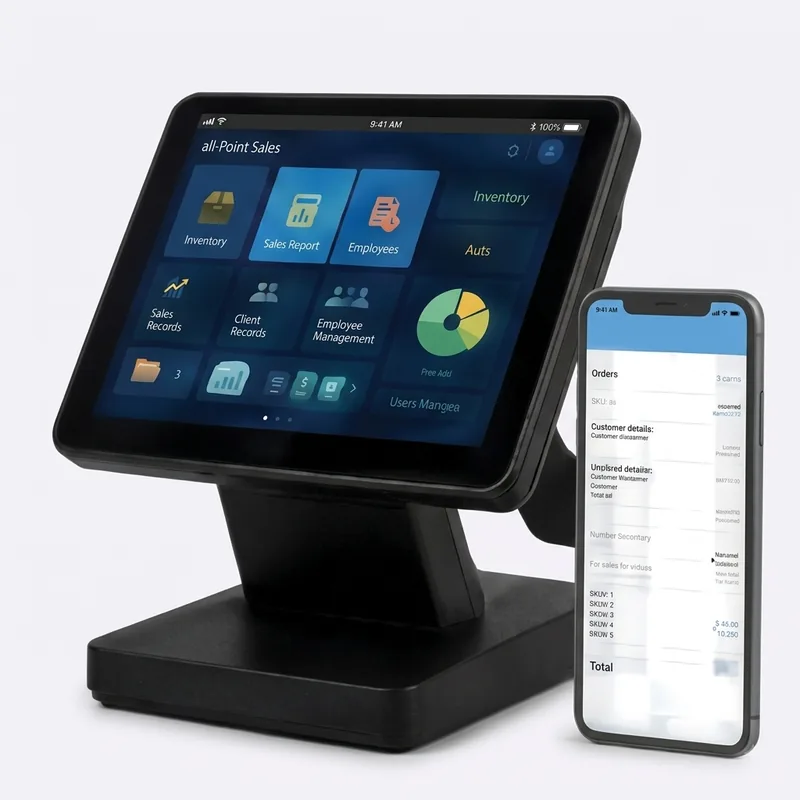
Each module below is a screen in TekShot POS that your team uses every day.
Create orders, track them by date and status, and handle delivery and payment in one place.
One catalogue for everything you sell and own.
Know exactly what is left in each warehouse, at any moment.
Three prices kept apart so profit is always correct.
Money in and out recorded as it happens, with documents attached.
Know who your customers are and what they still owe.
Staff check in and out on the app, and every shift ends with a cash handover.
Revenue for today, this week or this month, compared with the previous period.
From selling to reconciliation, all in one flow.
1Catalogue
Add products or import them from Excel.
2Stock-in
Receive goods from suppliers into each warehouse.
3Sell
Create orders at the counter or from chat messages.
4Collect
Take payment, record debts and close the shift.
5Report
See revenue, profit and stock straight away.
Track revenue, volume and best sellers, and compare by day, week, month or store.
Connect easily with common devices, software and services.
7-day free trial – no credit card – dedicated support